 Quotesbook
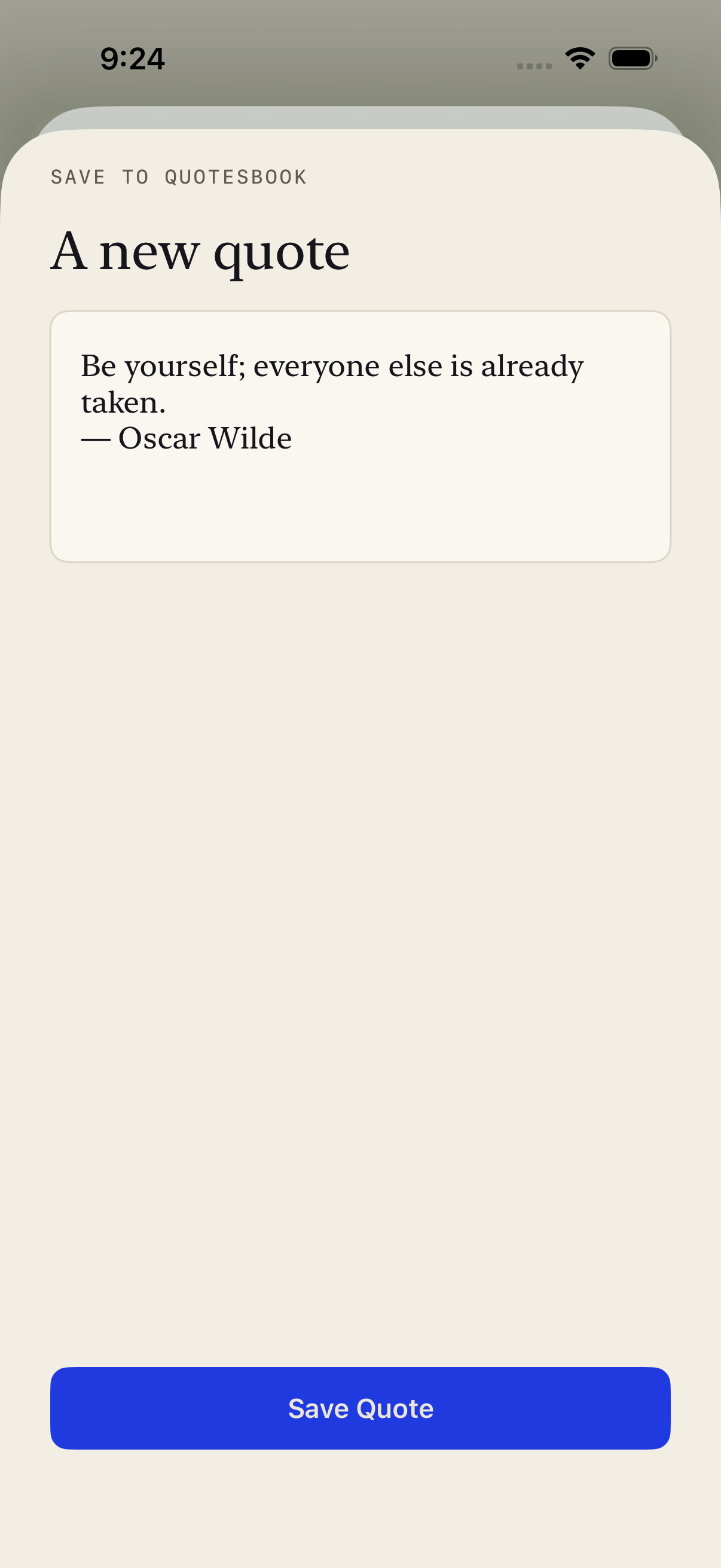
Save from any app
No more screenshots that sink under thousands of photos.
- Highlight a line in Safari, a PDF, or anywhere you read
- Tap Share, then Quotesbook and trim the selection if it grabbed too much
- Tap Save and you're back where you left off
Save the lines that stay with you from books, articles, films and conversations. Tag them your way, and read one again every day.
Download on theApp Store
Three things done properly, on the phone that's already in your hand when a line lands.
No more screenshots that sink under thousands of photos.
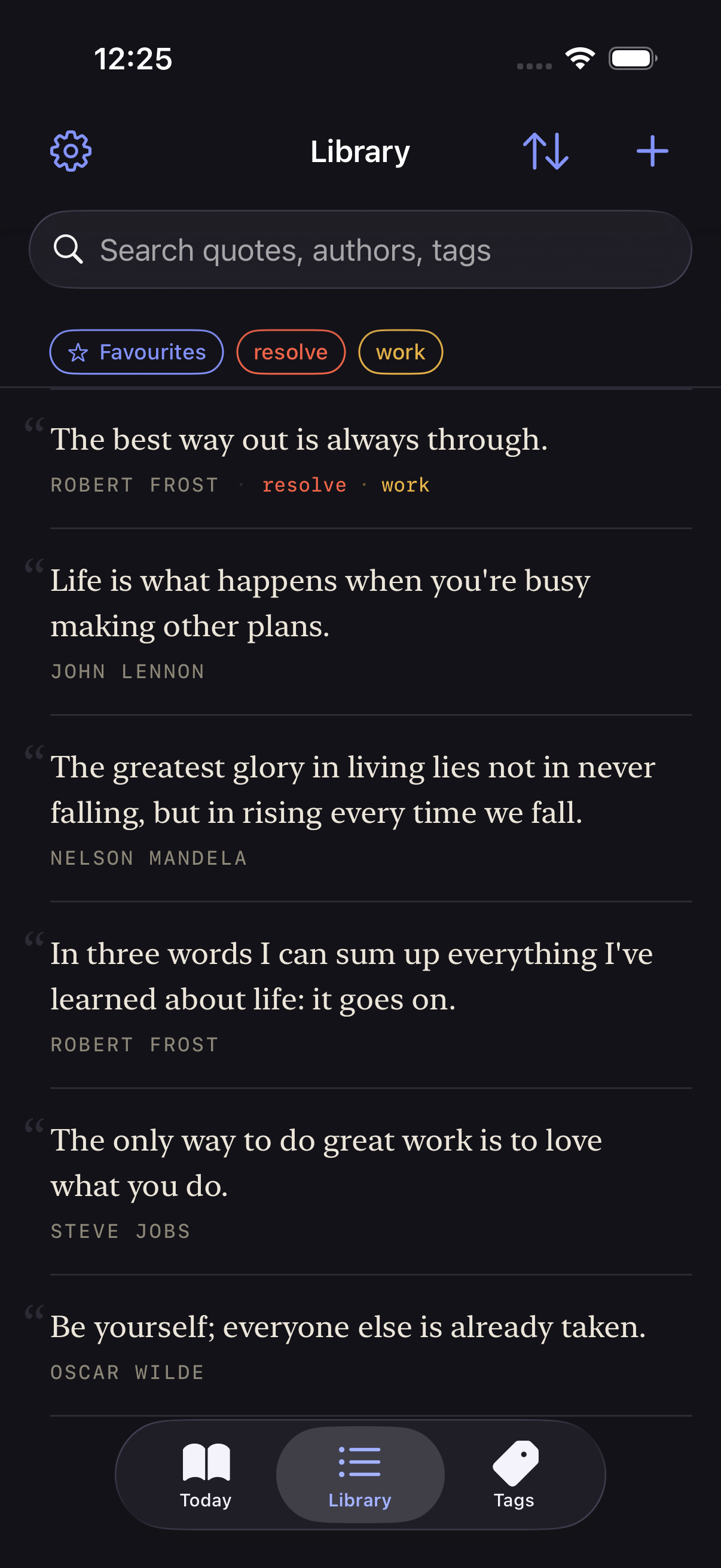
Name tags the way you think about quotes, then give each one a colour and an emoji. Tap a few to see where they overlap.
Type a word and Quotesbook checks the quote, the author, and the names of your tags.
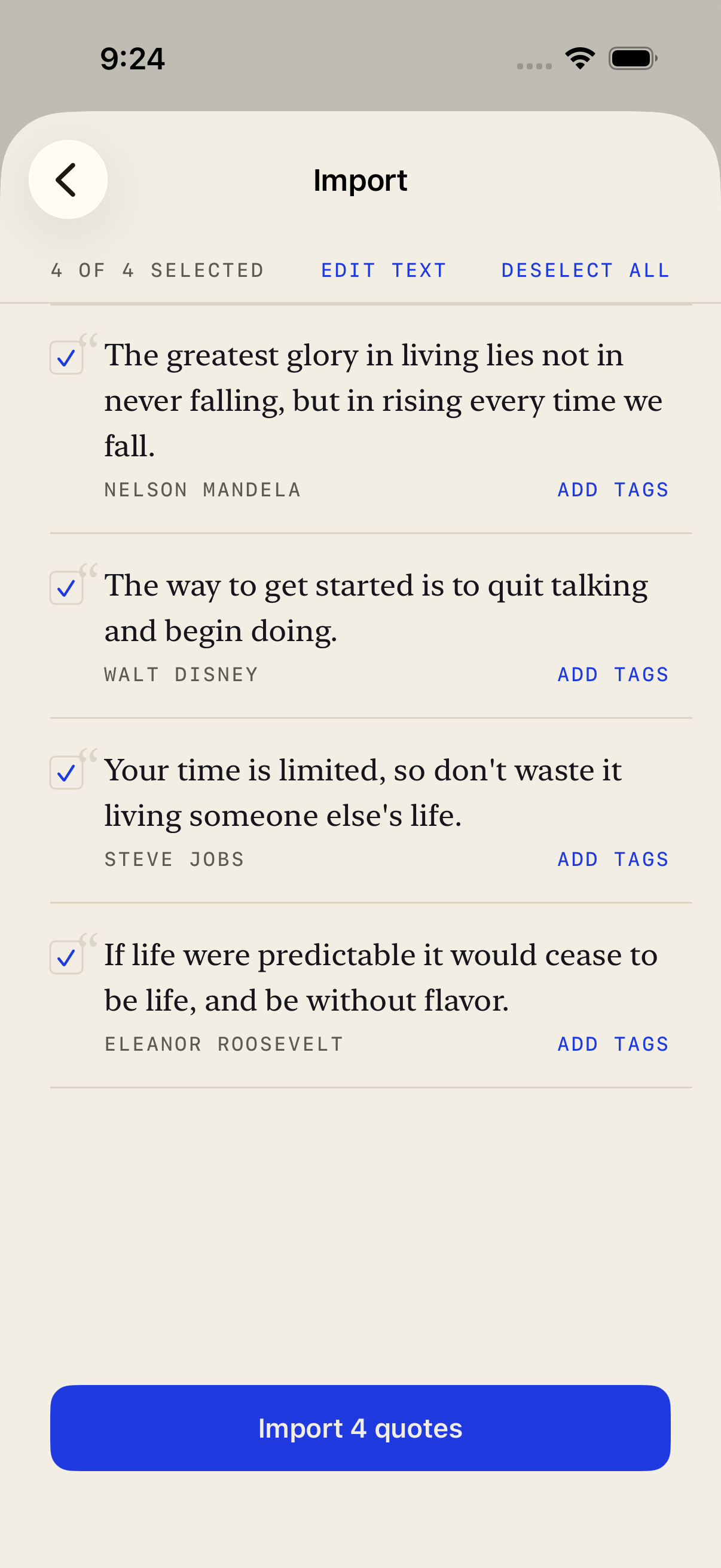
Paste in a note or a doc you've been adding to for years. Quotesbook splits it into separate quotes and shows you a preview first.
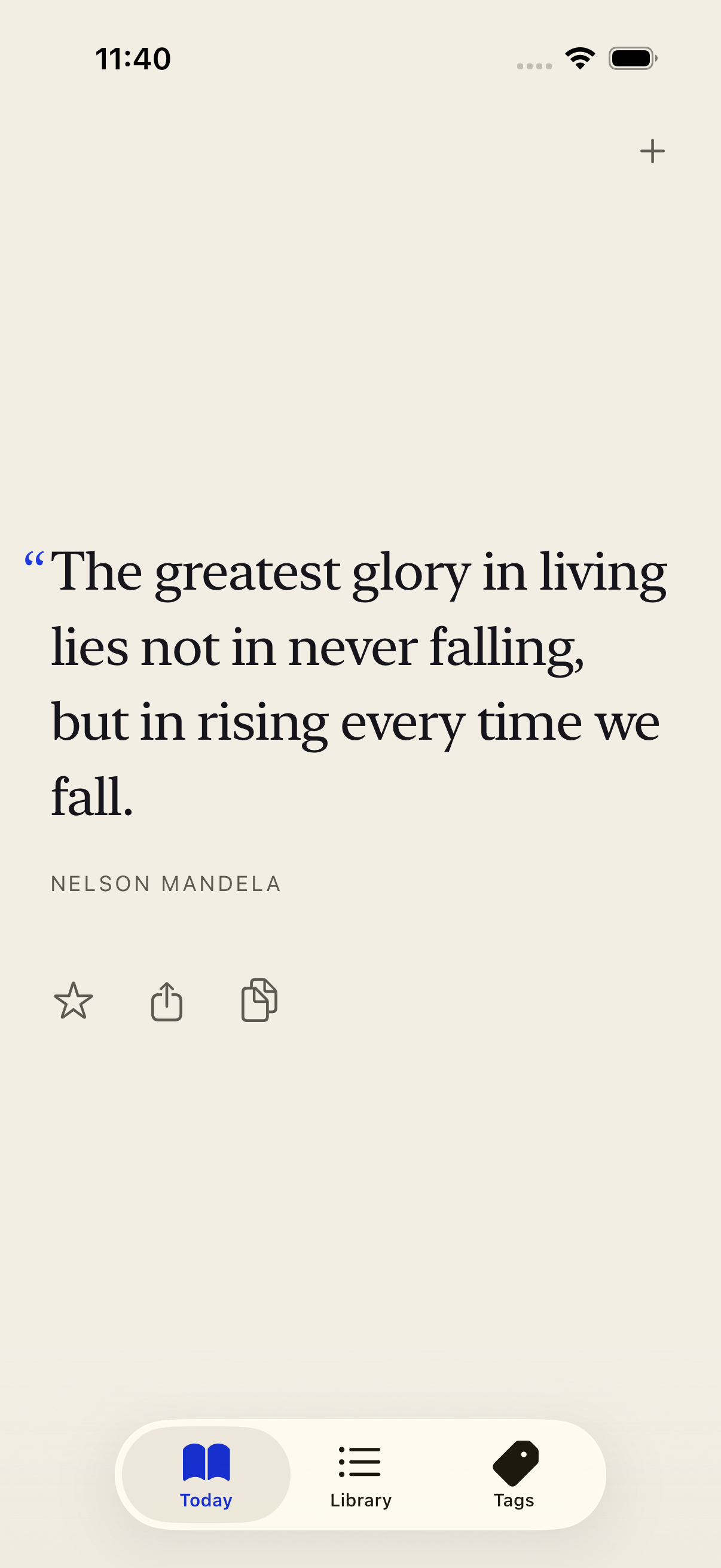
Today picks one of the quotes you saved and gives it the whole screen. No feeds, and nothing from strangers.

Your collection lives on your iPhone, so every quote opens instantly, even on a plane.
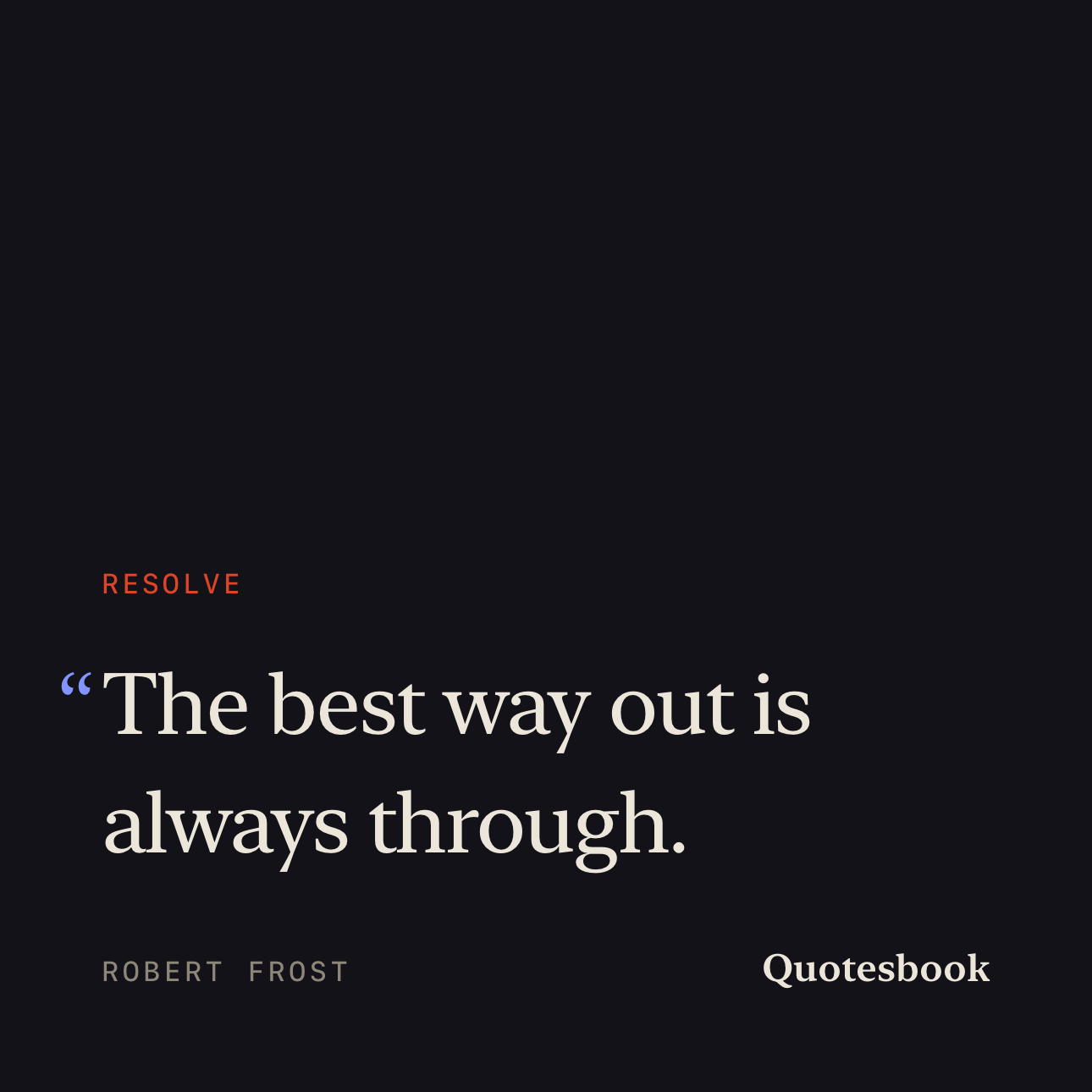
Share any quote as a clean square card, set in the same type as the app and ready for Messages or your story.
Star the quotes you keep coming back to, then show just those.
By date saved, last edited, or A to Z.
A night theme that's easy on the eyes when you're reading late.
Every quote is stored on your phone and opens without a connection.